Looks like You Found Our Offical Page Not Found Page
We are frequently updating our site and it looks like you were trying to get to a page that no longer exists. But fear not!
Perhaps you were looking for;
Playmakers AI Platform Was Built For People Like You That Want More
In Their Business
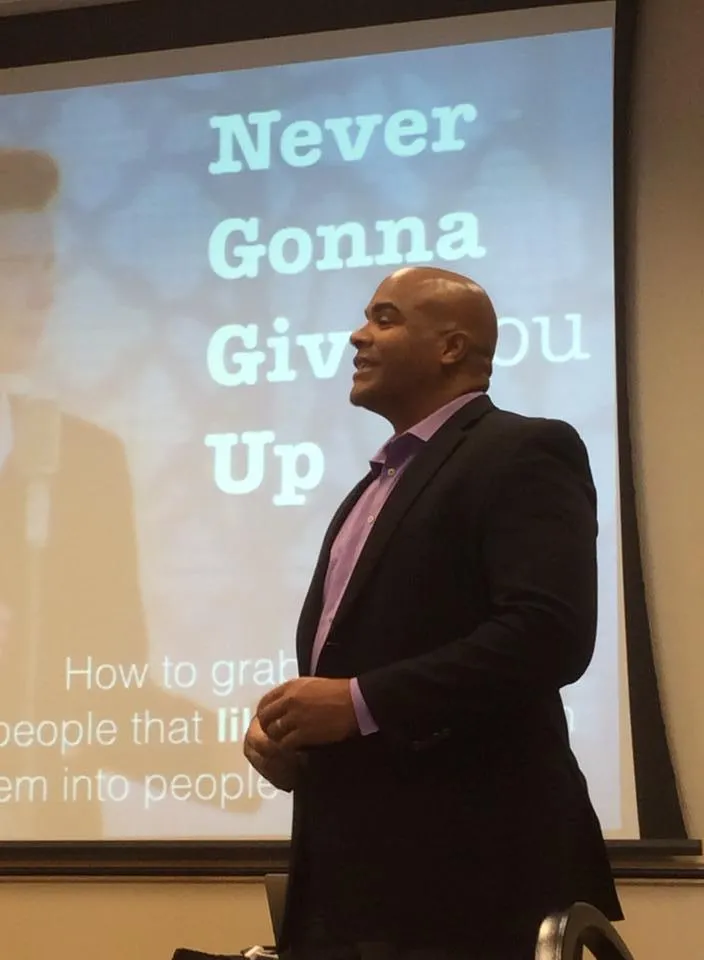
People who use Playmakers AI get more qualified leads, close bigger deals, work fewer hours, and out-execute every competitor in their market.
Trusted By:




















Do these sound familiar?
You have no idea what business is coming up. Even worse - you don't have an organized way to generate CONSISTENT leads in your business. You woke up this morning wondering where your NEXT CLIENT is coming from because the phone isn't ringing . You are desperately trying to figure out how to reach out to your IDEAL prospects and show them that you have a great solution to their problems. You know you do good work, you just aren't reaching enough of the RIGHT people in the world who need what you have to offer.
You are paying for and logging into too many marketing tools just to get the basics done every day. It's a chaotic mess. You are getting some leads in but you have no idea where they are coming from and how they are finding you. You don't have good visibility into what is going in your business because the data you want to see is in too many places and not organized. Or.... You have a tech or marketing nerd on your team who has the keys to the kingdom. Without them you'd be up a creek. You have no idea how things work and you are being held hostage by a single person or company.
Every win takes more effort than it should. Your follow-up is inconsistent. Leads fall through the cracks. You’re constantly playing tech support, content manager, sales rep, and CEO all in one day. You know you’re dropping balls, and every day it costs you time, energy, and money. 🔥
We turn messy lead flow into clean, scalable automation. We build the tech, map the follow-up, and wire up the backend so your business runs smoother, faster, and with way less of you in the middle. No more broken funnels. No more follow-up chaos. Just systems that sell—even when you’re off the grid.
You keep being the face. We’ll build the machine behind it.
Does that sound appealing?
Playmakers AI is Perfect For
BUSINESS OWNERS
AGENCIES
CREATORS
INFLUENCERS
COACHES
TRAINERS
TESTIMONIALS
"Patrick Knows His Stuff. And His Stuff ROCKS!" - Dutch Revenboer

"I Was Blown Away"
"I was utterly blown away how response, how fast Patrick is to respond. Thorough and knowledgeable ." - Mari Smith, Facebook Thought Leader

"If You Need Help With Your Business Check Out Patrick Allmond"
"There is one person I've gone to consistently over the years." - Ramon Ray, Business Keynote Speaker
"I Wouldn't Hesitate"
"I Wouldn't Hesitate To Recommend You To Anybody Else." - Becky McCray, Business Keynote Speaker
"If You Are Thinking About Using His Services, Stop Thinking & Start Doing"
"He gave me so many things I should be doing and how to do things so much simpler." - Shan Bennefield, Real Estate Entrepreneur
"He's Incredibly Genuine"
"He always provides incredibly useful information I can't find anywhere else." - Chad Kuntz, Physical Therapy Agency Owner
"Patrick Is A Visionary"
"Patrick is a dreamer and a visionary! He has tremendous insight and knowledge and is creative in how he teaches. Out of the box with implementation when it requires it and a great team player. I always like finding people who just don’t talk a good game but actually deliver!" - Sean Abbananto
"Hire Him Already! You Can't Go Wrong"
"He is a guide, a guru, a sage, and an expert in technology and marketing all rolled into one. He is a real pleasure to work with–warm, gracious, friendly, and responsive. Above all, Patrick is a person of high character. When he gives you his word, you can count on him to deliver. How many consultants can you say that about? In just a few months he has helped my business in many ways, and he’ll do the same for yours too. So hire him already! You can’t go wrong.." - Bruce Weinstein
"Well Worth Your Time To Get To Know Him"
"When Patrick hosts a Facebook livestream about StopDoingNothing, I stop what I'm doing and listen. This guy has energy and passion for getting people to get going, and he's an inspiration. He has built huge audiences on his social media sites, and we all enjoy the knowledge he shares. Well worth your time to get to know him." - Beth Ziesenis
"He's Saved Me Days of Time, Thousands in Lost Sales, and Eliminated Frustration"
"When I first met Patrick, he was the professional speaker at an industry event. His session blew me away as he outlined the steps to deploy an effective digital presence. I'm damn good, yet Patrick laid out the system that took me to a whole new level.
I've been contracting with Patrick for the past four months to help me build out my Infusionsoft implementation of business rules. He's saved me days of time, thousands in lost sales, and eliminated frustration. I recommend Patrick if you want a well rounded, well informed expert on building out your business systems.." - Mark Smith
"Game Changer"
"Patrick's presentation on AI for business was a game-changer. Imagine having a tireless assistant booking appointments around the clock or fielding customer inquiries while you're enjoying a well-deserved vacation. That's the power of AI, and Patrick expertly demonstrated how to harness it. His demo was so compelling that the audience was eager to dive in and explore the possibilities. I'm not exaggerating when I say Patrick is the 'human AI for AI.' His knowledge and enthusiasm were infectious, and I can't wait to see how his insights help businesses like mine thrive.." - Nadya Nemova-Tatsch
"His dedication to make my business a better one is endless."
"Good’ is not good enough for Patrick. He doesn’t stop before his job is done and even goes the extra mile. Patrick has solved several technical challenges I’ve been facing. But his knowledge goes far beyond technical and tools. He is proactive in suggesting better and more efficient ways, and his dedication to make my business a better one is endless." - Sylvie DiGusto
"I Was Blown Away" -
Mari Smith, Facebook Marketing Thought Leader
& Keynote Speaker
"I Was Blown Away" -
Mari Smith, Facebook Marketing Thought Leader
& Keynote Speaker
HOW WE MAKE YOU GREAT

COMPANY
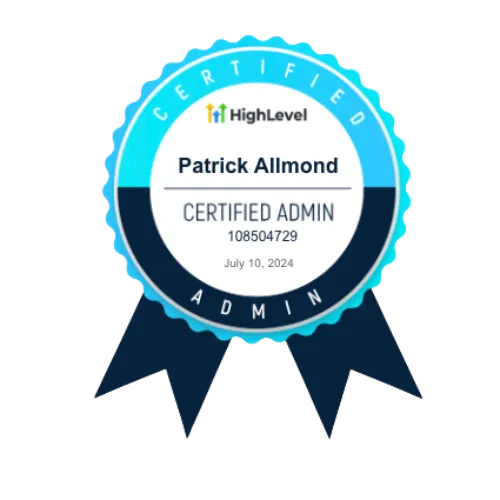
We are one of the original Highlevel trained and certified agencies with decades of marketing experience . When you want the best, check for this logo.
RESOURCES
GET SOCIAL!


